Shadow AI Is Already Inside Your Business. Here's What You Need to Know.
Your employees are using AI tools you didn't approve, on data you can't see, through channels your security stack can't monitor. And it's happening right now.
Every week, we talk to business owners who have done the right thing: they have acceptable use policies, they run antivirus, they train their employees on phishing. And yet none of them realize that dozens of AI tools are already touching their company data — tools no one approved, no one is monitoring, and no one knows how to stop.
This is not a theoretical risk. This is the reality of running a business in 2026.
We call it Shadow AI — the use of artificial intelligence tools by employees without IT's knowledge, approval, or oversight. And based on what we are seeing across our client base, it is the single biggest blind spot in most organizations' security posture today.
This article is not designed to scare you. It is designed to educate you, show you what is happening, and give you a clear path to getting ahead of it. Whether you are a 15-person company or a 500-person operation, Shadow AI affects you.
What Exactly Is Shadow AI?
Shadow AI is what happens when employees use AI tools that your IT department or managed service provider hasn't vetted, approved, or secured. It is the natural evolution of "Shadow IT" — the same way employees once signed up for Dropbox or Slack without asking IT, they are now using ChatGPT, Claude, Gemini, DeepSeek, Perplexity, and dozens of other AI platforms to get their work done faster.
And here is the thing: they are not doing it to cause harm. They are doing it because these tools are genuinely useful. They draft emails faster, summarize documents in seconds, generate reports, write code, and analyze data. The problem is not that employees want to be productive. The problem is that every piece of company data they paste into these tools leaves your control.
The Five Threats You Can't See
Through our work with clients across Southern California and the East Coast, we have identified five categories of Shadow AI that are showing up in businesses right now:
Personal AI Chatbot Accounts
Employees using free ChatGPT, Claude, Gemini, DeepSeek, or Perplexity accounts in their browser to draft emails, summarize documents, or analyze data. Free tiers often use your input to train their models. Your client list, financial projections, and internal communications could be feeding someone else's AI.
AI Browser Extensions
Extensions that summarize web pages, auto-fill forms, draft replies, and "help you work smarter." The catch? Many request permissions to read and change all your data on all websites. That means your SharePoint sites, your email, your company directory, and every web app you use — all accessible to a piece of software a single employee installed without asking.
Autonomous AI Agents
This is the newest and most alarming category. Tools like OpenClaw (145,000+ users on GitHub) run autonomously on a user's machine 24 hours a day, connecting to AI models through messaging apps, managing email, browsing the web, and executing tasks — all without human intervention. One developer's AI agent negotiated $4,200 off a car purchase while he slept. Another's filed a legal rebuttal without being asked. Security researchers have already found a critical vulnerability (CVSS 8.8) allowing remote code execution, and third-party plugins performing data exfiltration without user awareness.
AI Features Hidden in Existing Tools
Many of the tools your employees already use — Zoom, Grammarly, Notion, Canva, even Microsoft products — have quietly added AI features that are often enabled by default. Your data may be processed by AI models you never agreed to, in ways that may fall outside your original compliance boundary. If you work in healthcare, finance, government contracting, or any regulated industry, this matters.
Local and On-Premise AI Models
The cost of running powerful AI models on a regular computer has dropped dramatically. Open-source models like Kimi K2.5 (one trillion parameters, runs on modest hardware) mean a technically inclined employee can run a full AI system locally with zero cloud visibility. No network logs, no traffic analysis, no way for your IT team to know it exists.
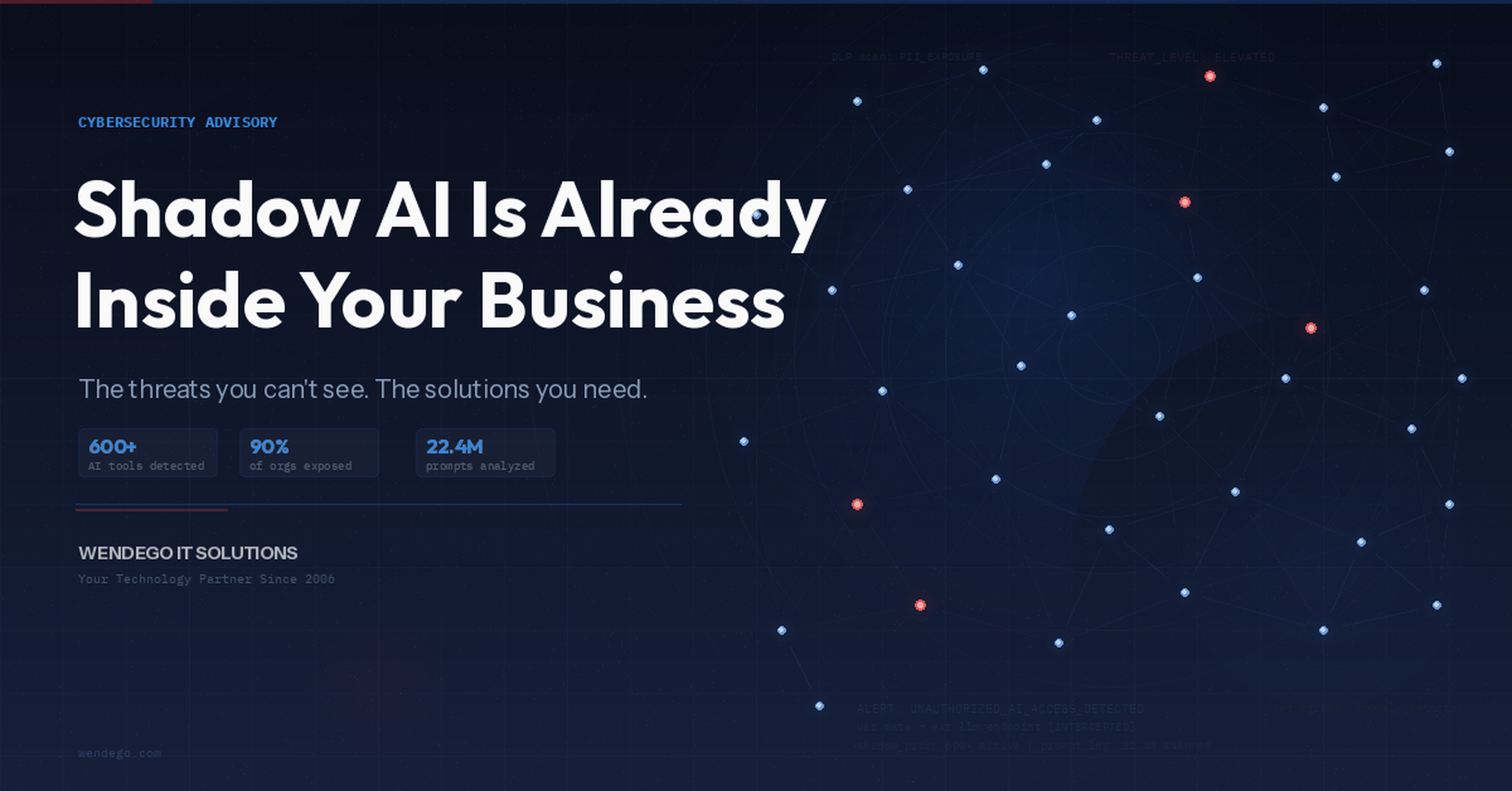
Harmonic Security's analysis of 22.4 million real enterprise AI prompts found that while only 40% of companies have purchased official AI subscriptions, employees at over 90% of organizations are actively using AI tools — mostly through personal accounts IT never approved. And nearly 1 in 12 employees used Chinese-developed AI tools (Kimi, DeepSeek, Baidu, Qwen) in the last month alone.
Your Cloud Storage Is More Exposed Than You Think
If your company uses SharePoint Online, OneDrive, Box, Google Drive, or any cloud storage platform, Shadow AI creates a specific and serious risk. Here is why:
AI tools do not just process what you type. When connected to your cloud storage — either officially through integrations like Microsoft Copilot's Box connector, or unofficially when employees download files and paste the contents into ChatGPT — they process the actual contents of your files.
One of our clients recently discovered that Microsoft Copilot, when connected to their Box.com storage, was pulling client tax returns into AI responses with full PII visible: names, addresses, dates of birth, and account numbers. Social Security Numbers were redacted, but everything else was displayed without any protection.
This is not a bug. Copilot is working as designed — it processes files the user has access to. The problem is that AI makes it effortless to extract and aggregate sensitive data in ways that were never possible when someone had to manually open each file.
Microsoft's Enterprise Data Protection (EDP) is automatically active for users signed in with a Microsoft Entra account, keeping your data within Microsoft's trust boundary. That is the good news. The concern is what happens within that boundary: Copilot respects user-level permissions, so if someone has access to a SharePoint site or Box folder, Copilot can summarize, extract, and aggregate everything in it. Sensitivity labels and DLP policies are your best defense, but they require specific licensing (more on that below).
The Risk of Using Personal AI Accounts for Work
This is perhaps the most common and most underestimated Shadow AI risk. An employee opens a browser tab, goes to ChatGPT or Claude or DeepSeek, and pastes in a customer list, a contract draft, a financial summary, or a piece of proprietary code.
From a security perspective, they just emailed your confidential data to a stranger.
Here is what most people do not realize about free and personal AI accounts:
- Your data may be used for training. Many free-tier AI platforms use your inputs to improve their models. That means your proprietary information could influence responses given to your competitors.
- There is no audit trail. Unlike enterprise tools, personal AI accounts provide no logging, no compliance records, and no way for your IT team to know what was shared.
- You have no contractual protection. Enterprise AI agreements include Data Processing Addendums, HIPAA Business Associate Agreements, and liability clauses. Personal accounts have none of that. If there is a breach, you have no recourse.
- Copy-paste is invisible. Traditional security tools monitor file downloads and email attachments. They generally cannot see when someone copies data from SharePoint and pastes it into a browser-based AI chat window.
- It becomes a habit. Once an employee discovers how useful AI is for their work, they will use it for increasingly sensitive tasks. What starts with "summarize this meeting note" quickly escalates to "analyze this client's financials."
What Your Business Can Do About It
The answer is not "ban all AI." That does not work. Harmonic Security's research puts it bluntly: prohibition fails. When companies ban AI, employees use it anyway — through personal accounts on personal devices with zero visibility. You lose both control and productivity.
The answer is a layered approach: policy, visibility, and control.
Layer 1: Policy — Set the Rules
Every organization needs a clear AI Acceptable Use Policy that defines which AI tools are approved, what types of data can and cannot be used with AI, and what the consequences are for violations. This policy should cover browser extensions, personal accounts, autonomous agents, and AI features embedded in existing tools — not just the obvious chatbots.
An AI policy is not just a security document. It is your legal and HR foundation for enforcement. Without it, you have no standing to take action when someone puts your client data into ChatGPT.
Layer 2: Visibility — See What Is Happening
You cannot protect what you cannot see. There are several approaches to gaining visibility into AI usage:
Network-level tools like Cato Networks provide application control and DNS filtering that can identify when employees access AI websites and block unauthorized ones at the network edge. This covers every device on your network, not just managed computers.
Microsoft Defender for Cloud Apps (formerly MCAS) can discover over 31,000 cloud applications in use across your organization, including AI tools, and classify them by risk level. However, this requires specific Microsoft licensing — it is not included in standard Microsoft 365 Business Premium or E3 plans.
Many of the Microsoft-native AI governance tools require licensing beyond what most small and mid-size businesses have. If you are on Microsoft 365 E3, you do not have Defender for Cloud Apps, advanced DLP, Endpoint DLP, or Audit Premium. If you are on Microsoft 365 Business Premium, you are in a similar position. The good news: Microsoft now offers Defender and Purview Suite add-ons for both licensing tiers that bring enterprise-grade security and compliance capabilities at a fraction of the E5 price. This is worth a conversation with your IT partner.
Layer 3: Control — Stop Sensitive Data From Leaving
Visibility is step one. Control is step two. Purpose-built AI DLP (Data Loss Prevention) tools add the content-level intelligence that network tools and Microsoft-native solutions cannot provide on their own:
| Solution | Approach | Strength | Best For |
|---|---|---|---|
| Nightfall AI | Enforce — block, quarantine, redact, or encrypt sensitive data before it reaches AI tools | Deepest Microsoft 365 integrations (SharePoint, Exchange, OneDrive, Teams). 100+ ML detectors with 95% accuracy. | Organizations wanting hard enforcement with direct M365 integration |
| Harmonic Security | Coach — detect sensitive data and nudge users in real-time at the point of potential exposure | Broadest AI tool coverage (600+ tools including Chinese AI). Browser-only deployment in minutes. Zero-touch data models. | Organizations wanting maximum visibility with minimal friction |
| Cyberhaven | Trace — follow data from origin to destination, understanding context and intent behind every action | Native Box.com and Office 365 connectors. Full data lineage. Traces data even after transformation. | Organizations focused on IP protection and Box.com environments |
All three solutions monitor the major AI platforms: Microsoft Copilot, ChatGPT, Claude, Gemini, DeepSeek, Perplexity, and Grok. Harmonic has the broadest coverage of niche and emerging AI tools, including Chinese-developed platforms. Nightfall has the deepest Microsoft 365 native integrations. Cyberhaven offers the best data lineage tracking and is the only one with a native Box.com connector.
What You Can Do This Week — No New Tools Required
You do not need to wait for new software to start protecting your business. These four actions cost nothing and can be done immediately:
- Block known AI domains in your current firewall or DNS settings. Start with chat.openai.com, claude.ai, gemini.google.com, deepseek.com, and perplexity.ai. You can always whitelist approved tools later.
- Audit browser extensions on all company-managed devices. Look for AI assistants, summarizers, and writing tools. Remove anything that wasn't explicitly approved.
- Review SharePoint and OneDrive permissions. Remove "Everyone except external users" access from sensitive sites. The fewer people who have access, the smaller the blast radius if AI tools are involved.
- Distribute an AI Acceptable Use Policy and require signed acknowledgment. Even a basic policy gives you the foundation for enforcement and sets expectations with your team.
The Bigger Picture: AI Is Not Going Away
We want to be honest with you: AI is not a fad, and it is not going away. The businesses that figure out how to use AI safely and productively will have a massive competitive advantage over those that don't. The goal is not to stop AI adoption. The goal is to make it safe, visible, and governed.
Recent developments tell the story. In February 2026, the SaaS industry lost nearly $285 billion in market value in a single day — not because of a recession or a war, but because investors realized that AI agents were starting to replace the human software users that per-seat pricing models depend on. AI is restructuring how businesses operate at a fundamental level.
The question is not whether your organization will use AI. The question is whether you will have visibility and control when it happens.
Where Wendego Fits In
We have been helping businesses navigate technology decisions for nearly 20 years. Shadow AI is not fundamentally different from the security challenges we have always helped our clients solve — it just moves faster and is harder to see.
Here is what we bring to the table:
- Shadow AI Discovery. We can audit your environment to identify which AI tools your employees are currently using, how much data is flowing to them, and where your biggest risks are.
- Policy Development. We will help you create an AI Acceptable Use Policy that is practical, enforceable, and tailored to your industry and compliance requirements.
- Licensing Optimization. Many organizations are either under-licensed for AI governance or overpaying for capabilities they don't need. We will make sure you have the right Microsoft licensing in place.
- Tool Selection and Deployment. Whether you need network-level controls, Microsoft-native DLP, or a purpose-built third-party AI DLP solution, we will help you evaluate, select, and deploy the right tools for your environment.
- Ongoing Governance. AI is evolving weekly. We provide quarterly AI governance reviews to ensure your policies, tools, and training keep pace with how quickly things are changing.
Ready to Get Ahead of Shadow AI?
We offer a complimentary Shadow AI assessment for businesses that want to understand their exposure. No sales pitch. No pressure. Just a clear picture of where you stand and what you can do about it.
Schedule Your Free AssessmentOr call us directly. We would rather have a conversation than send you a form.